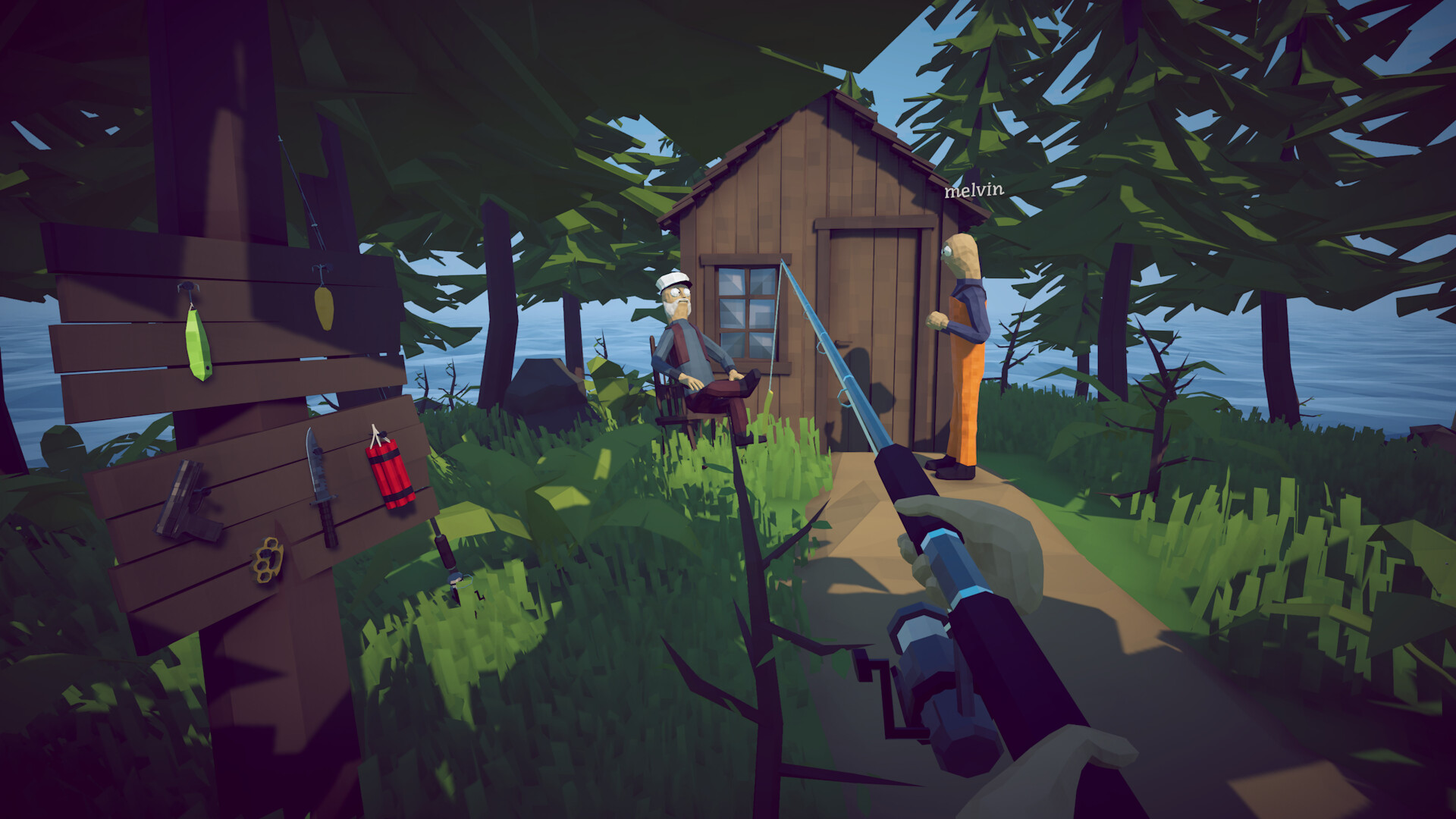

- Story boss
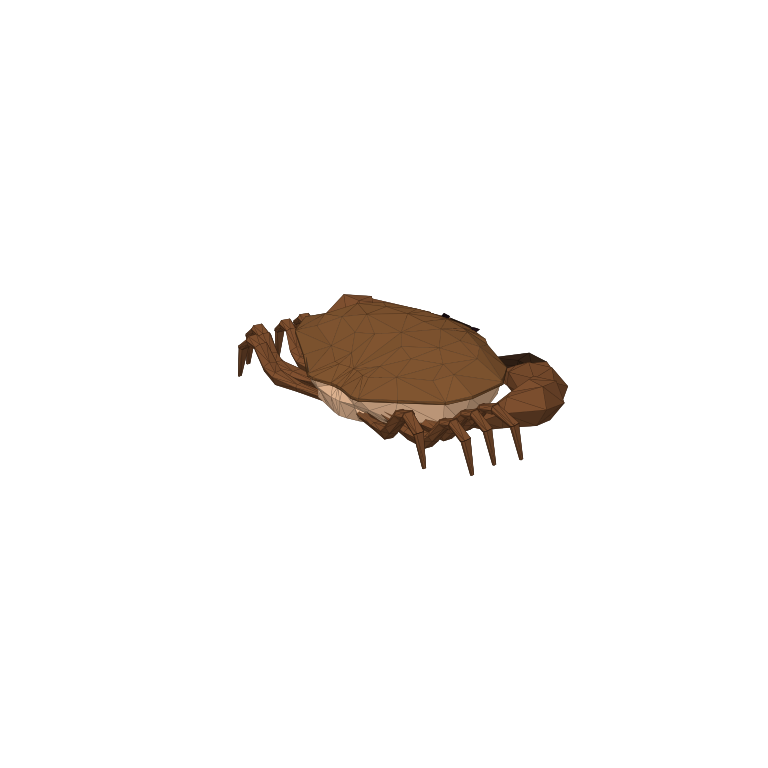
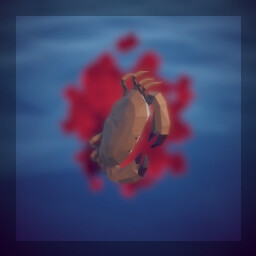
- Spider Crab
- Encounter bait
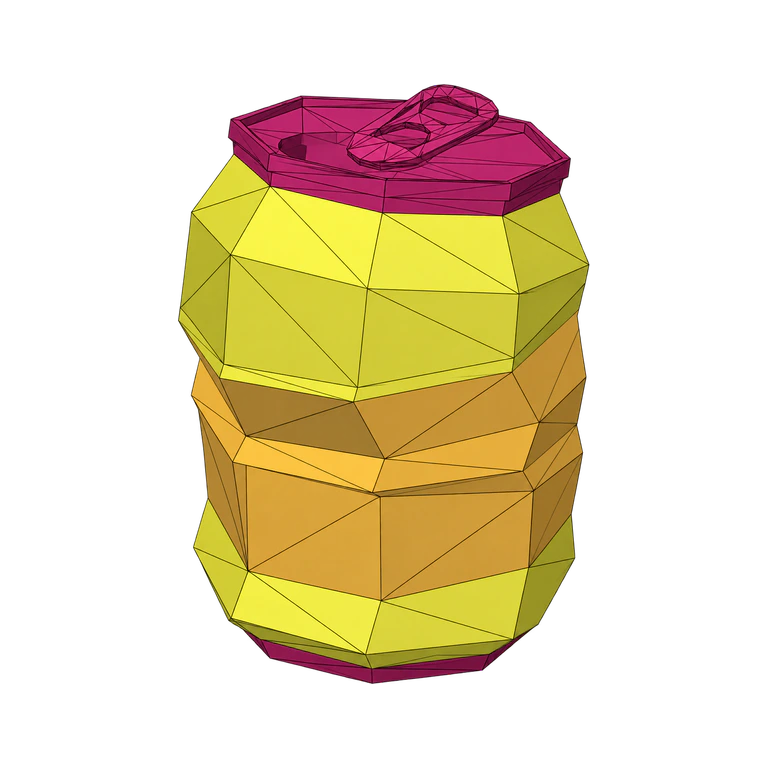
- Empty Beer Can
- Route reward
- Boat Keys
- Next destination
- Forest Island
Game version and evidence: Known route coverage: Patch 1.0.10. These guides organise the site’s reviewed game facts; they do not claim a fresh playthrough of every later patch. Follow your current quest dialogue if a requirement differs.
Game imagery: How to Fish by Dazed Games. Rights remain with the respective owners. Media and source notes.
Start with a small working budget
Lighthouse is the opening stage after the boat crash. Use its ordinary catches to practise moving an object, dealing with a catch and deciding whether to eat or sell it. The first useful goal is a complete departure kit, rather than buying every upgrade offered nearby.
Speak to the Lighthouse Keeper before committing your coins. His exchange starts the story encounter: give him Beer and keep the Empty Beer Can that comes back. The can is not just discarded packaging; it is the bait for the next step.
Turn the can into a story trophy
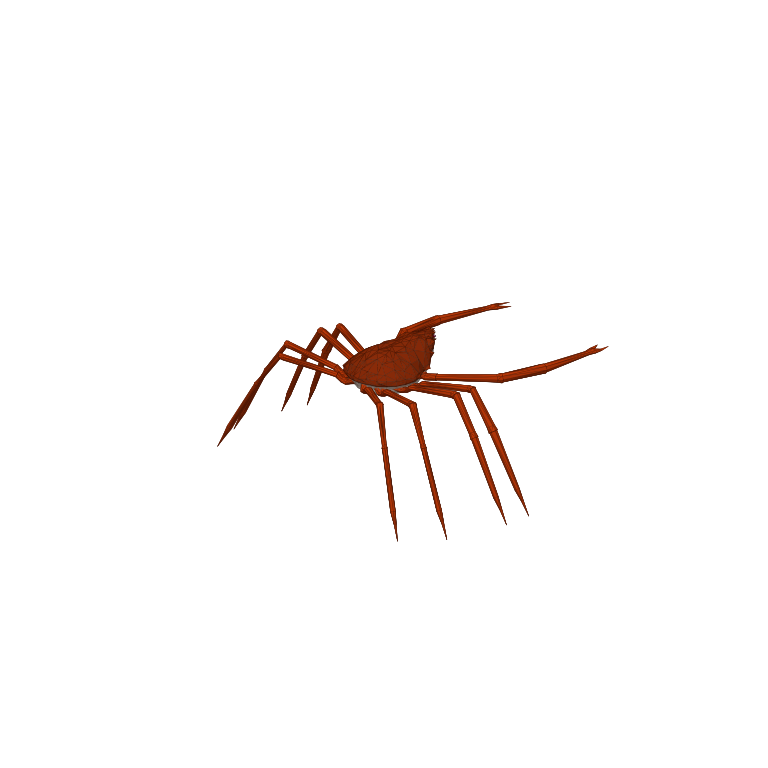
Attach the Empty Beer Can to the Crab Fishing Rod to begin the Spider Crab encounter. Prepare a fighting area with room to move sideways. A straight charge is easier to avoid when you can see both the crab and your route out of its path.
After the fight, collect the shell before doing any other inventory cleanup. Carry it back to the Lighthouse Keeper for the Boat Keys. Selling the shell would turn a finished fight into an unfinished quest, so treat it as reserved until the exchange is complete.
- Have the correct rod and the can ready before starting.
- Use the recovery after a missed charge to attack.
- Pick up the shell immediately and take it to the keeper.
Check the Radar separately
The Boat Keys and Radar serve different purposes. The keys come from the shell hand-in; the reviewed route lists the Radar as a separate 10-coin purchase. Budget for it before you spend the remainder on equipment.
With the exchange finished and the Radar obtained, follow the green route towards Forest Island. If departure is blocked, check what is actually in your inventory and whether the keeper accepted the shell. Killing Spider Crab by itself is not the whole departure sequence.
| Have | Use |
|---|---|
| Beer | Exchange with the Lighthouse Keeper |
| Empty Beer Can | Spider Crab trigger on the Crab Fishing Rod |
| Spider Crab shell | Hand in for Boat Keys |
| Radar | Follow the next island marker |
Collect only what supports the opening plan
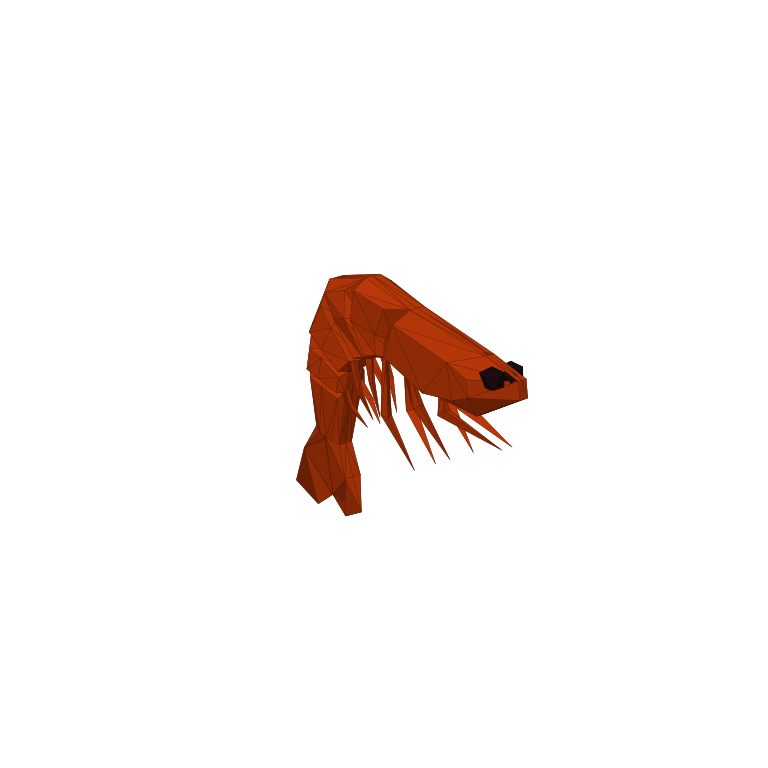
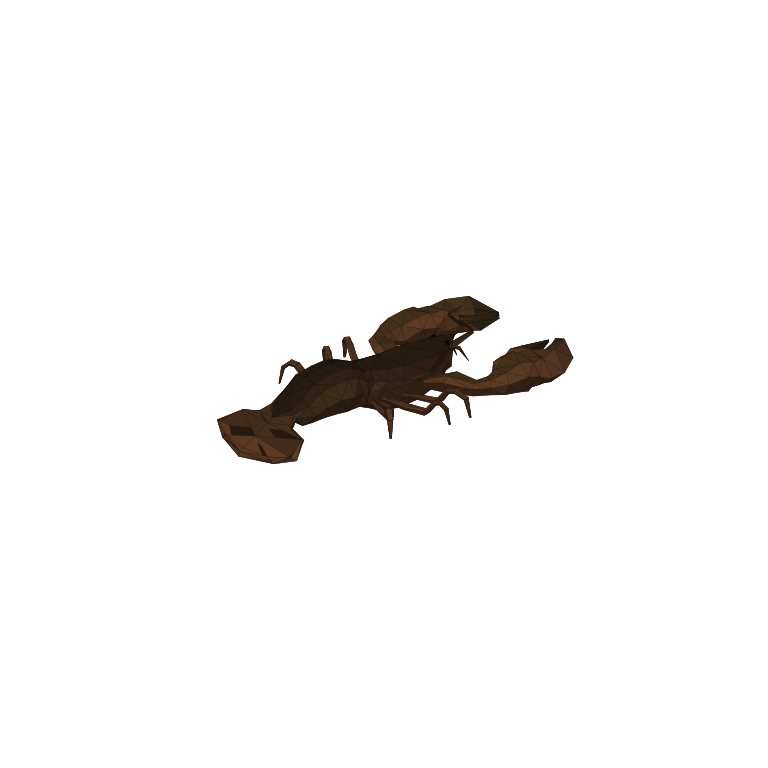
The Lighthouse ordinary rod pool is useful for learning without confusing the story trigger. Brown Crab and Shrimp use the Crab Fishing Rod’s default setup; Rock Crab and Lobster use Hot Dog bait. Their recorded raw bases are three, five, seven and nine coins respectively. Those values help compare a completed catch, but the table does not provide catch probabilities or an earning rate.
Keep the Empty Beer Can separate from ordinary bait and sale stock. The Beer exchange is a quest step within this fictional game, and the resulting can is the Spider Crab trigger. Buying Hot Dogs or catching more Lobsters does not substitute for that exchange. Before changing tasks, look at the object you actually have and the dialogue step the keeper still expects.
Use a departure checklist
Before boarding, confirm that the keeper accepted the Spider Crab shell and supplied the Boat Keys. Then check the Radar purchase separately, retain the fishing tools you intend to use and put needed food and equipment where you can retrieve them. Inspect the working area for an item left behind during the fight. Finishing the encounter is a useful checkpoint, but it is not proof that every departure requirement has been handled.
Use the saved beginner checklist or the Lighthouse panel in the map to record these tasks. For a paper copy, print this page and mark the sequence: Beer exchanged; can received; correct rod prepared; Spider Crab defeated; shell handed in; keys received; Radar acquired; supplies collected; Forest route identified. These marks describe your planning state. They do not inspect the game save or verify an unlock automatically.
Assign the hand-in in a co-op session
Agree who will carry the shell before starting Spider Crab. Another player can prepare supplies while the designated carrier handles the keeper exchange. Keeping those responsibilities explicit reduces the chance that a useful-looking body or quest object disappears into a shared sale pile. The guide does not claim that co-op changes the required bait, reward or number of shells.
After the exchange, ask each player to check the progress visible in their session rather than assuming that everyone’s personal checklist changed. The website’s checklist stays in the browser where it was ticked. It is not connected to Steam, does not synchronize the crew’s saves and cannot confirm that the boat has actually unlocked. Use the in-game state as the final check.
Recover an unfinished opening route
If you cannot start the boss, work backwards from the trigger. Confirm that the Beer exchange happened, that the returned object is the Empty Beer Can and that you are using the Crab Fishing Rod. If the boss is already defeated but travel remains blocked, check the shell hand-in before spending time fishing for ordinary income. Check the Radar separately once the keys are present.
If an essential object appears missing, inspect where the crew fought, sold items and stored equipment before repeating the whole route. The historical save notes describe limited ground-item persistence, so a loose pile should not be treated as unlimited secure storage. If current quest dialogue conflicts with this reference, record the build and exact request for a correction. Do not delete a save to test a route discrepancy.
Leave with a Forest objective
Forest begins a different fishing and quest stage. The ordinary Beginner Lure and the special three-Leech exchange serve different purposes there. Read the next island guide before buying an unnecessary batch of supplies on departure. A clear next objective makes the first boat trip more useful than simply reaching another shore and searching every shop at once.
For completion goals, consult the separate achievement checklist and the Spider Crab encounter page. This departure guide does not add an achievement name or hidden condition that has not been checked. Record what the game actually awards, keep the campaign hand-in separate from optional completion work, and return for missing ordinary creatures when that is the purpose of the visit.
Explore the island in 3D
Rotate the original island model, zoom in on the terrain, or open the viewer in its own tab.
Load the 3D island viewer
Guide images
View 16 related images